.png)
Timesheet Recipe - When a timesheet is updated in workspace notify someone
When a timesheet is updated in workspace notify someone.
This recipe will notify someone if timesheet is updated in Clockify.
If the timesheet is updated, the item will be updated with the latest values.
- Visit the integration centre on the top of the right-hand side of your board.

- Search for and select the timesheets feature.

- Select the recipe: When a timesheet is updated in workspace notify someone.
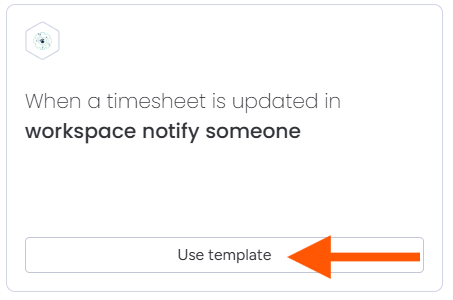
- If prompted, follow the autorisation steps here.
- Select your Clockify workspace when configuring the recipe.
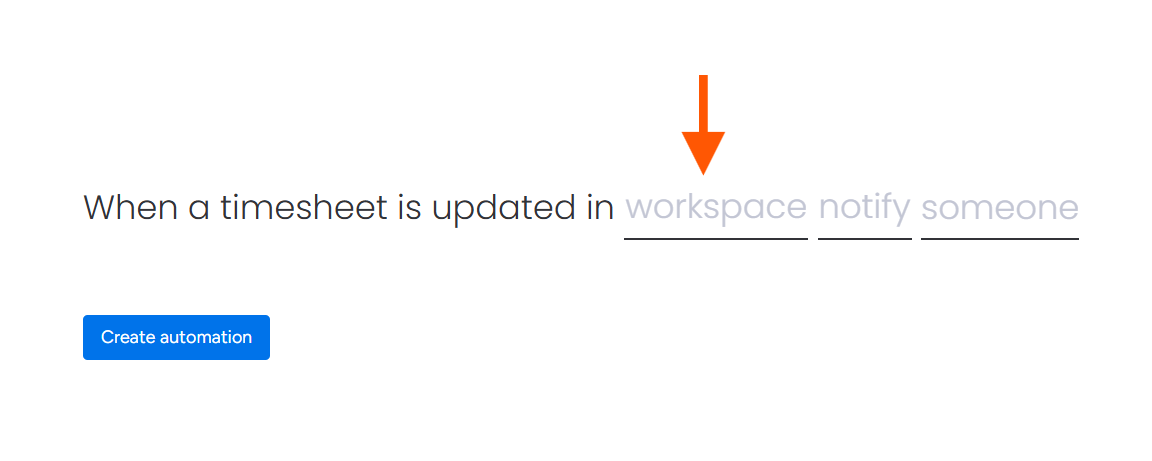
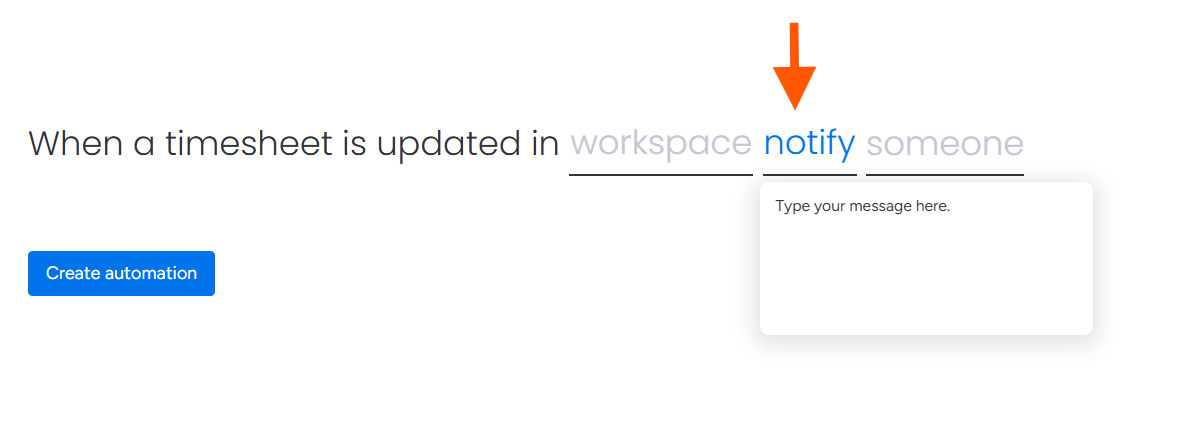
- Map and add your notification message.
- Map and choose the person you wanted to notify.
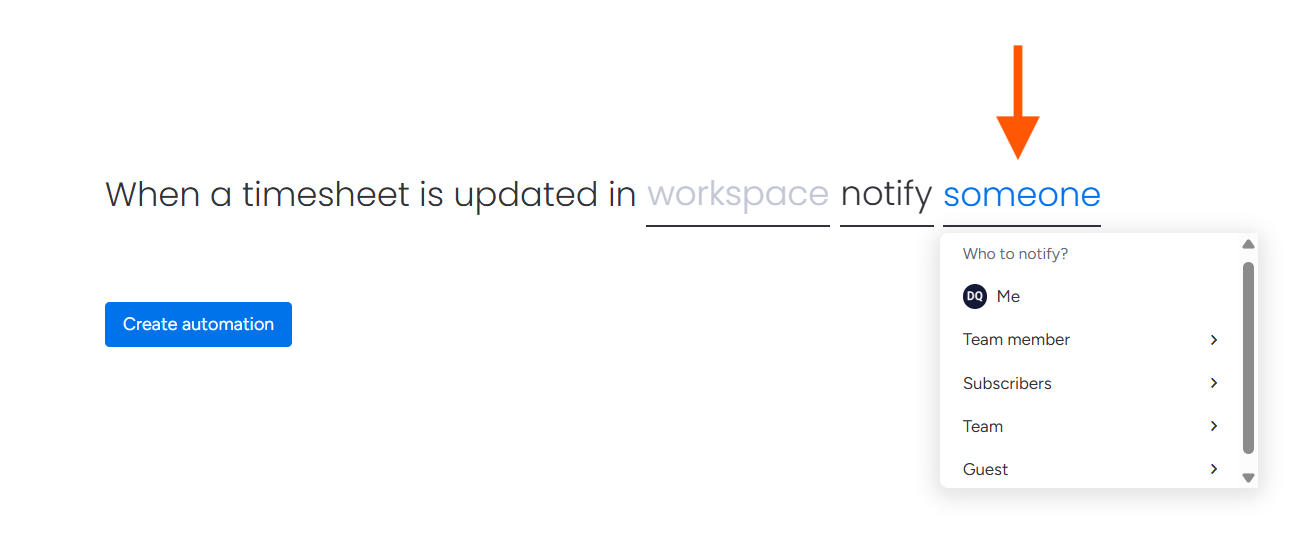
- Once the recipe has been configured, click on create automation.
- If the recipe has been successfully added, you will see an active integration.

For further assistance, please contact support@luxie.tech or submit a ticket