.png)
When status changes to something create task for project in clockify workspace
This recipe creates a Task for a Project in a Clockify Workspace.
If a project already exists with the same name, this item will update the existing project with any future changes.
1. Click on automate on the top right-hand side of your board.

- Click on create and search for Clockify.
-
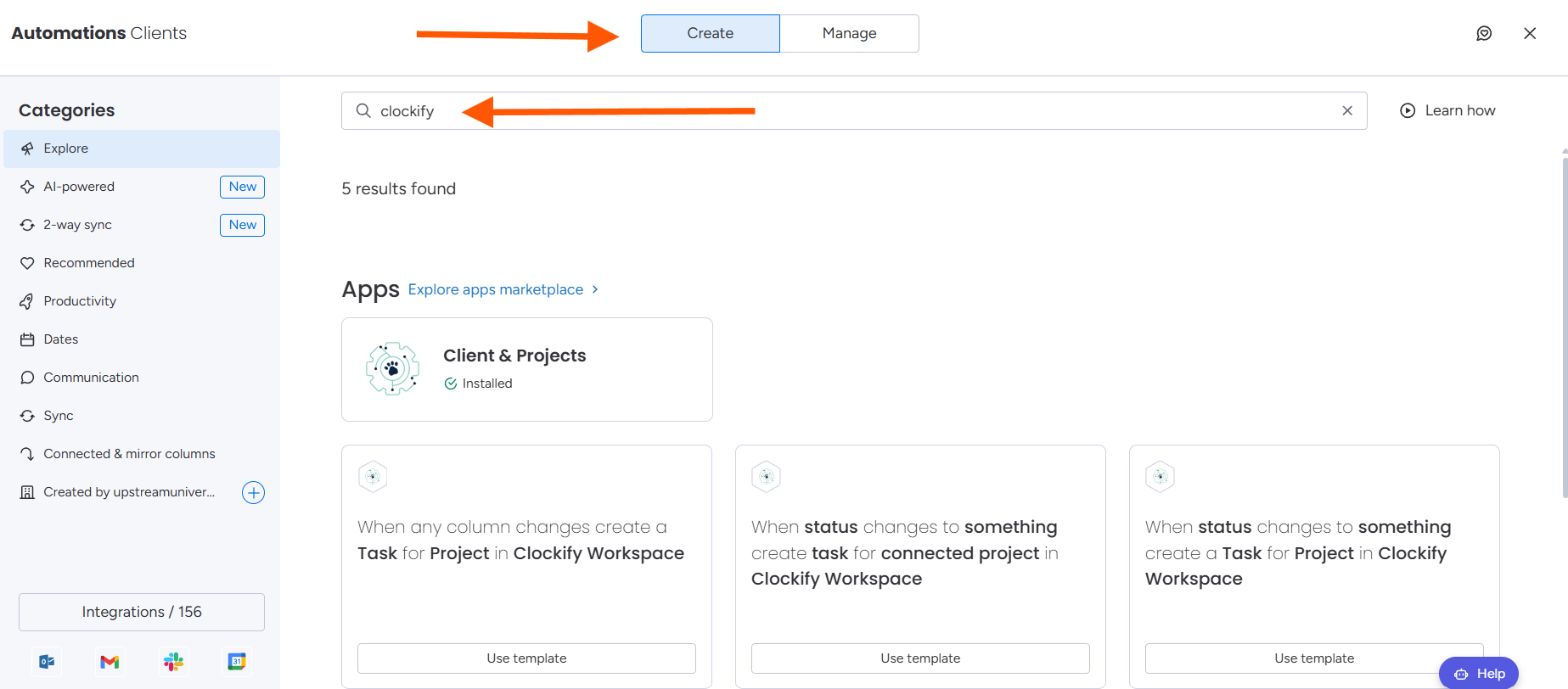
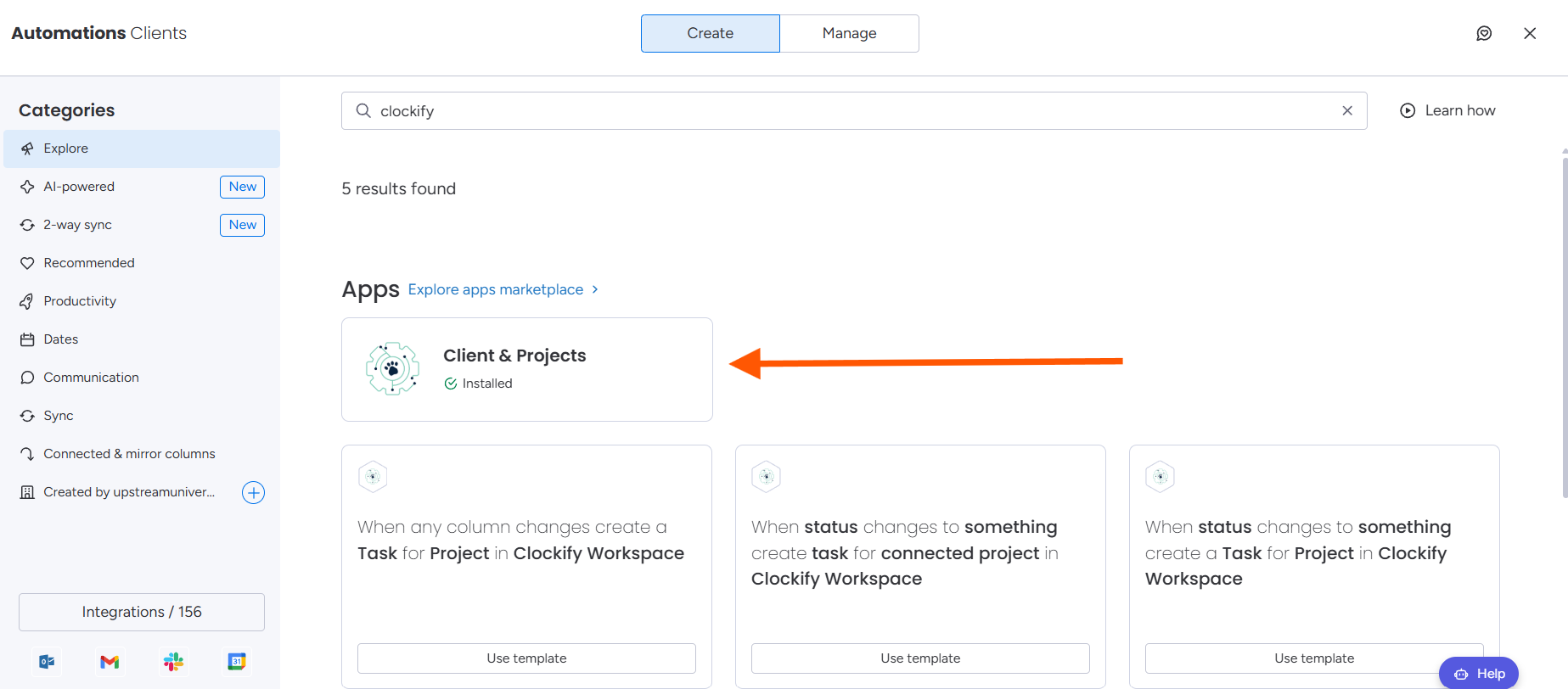
3. Select the Clients & Projects feature.
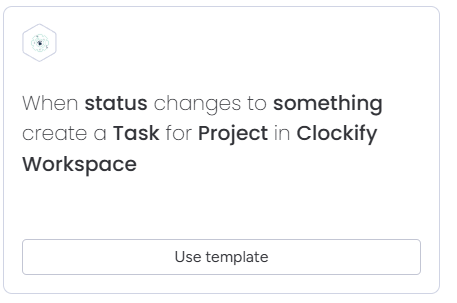
4. Select the recipe: When status changes to something create task for project in clockify workspace.
5. If prompted, follow the authorisation steps here
6. Configure the recipe.

7. Select your status column
8. Select your trigger
- Select your Workspace.
- Select and Map your task

Note: Currently the only supported field for Tasks is the Task Name.

- Select the connected project.
- Once the recipe has been configured. Click "Create Automation".
- If the recipe has been successfully added, you will see an active integration.

For further assistance, please contact support@luxie.tech or submit a ticket